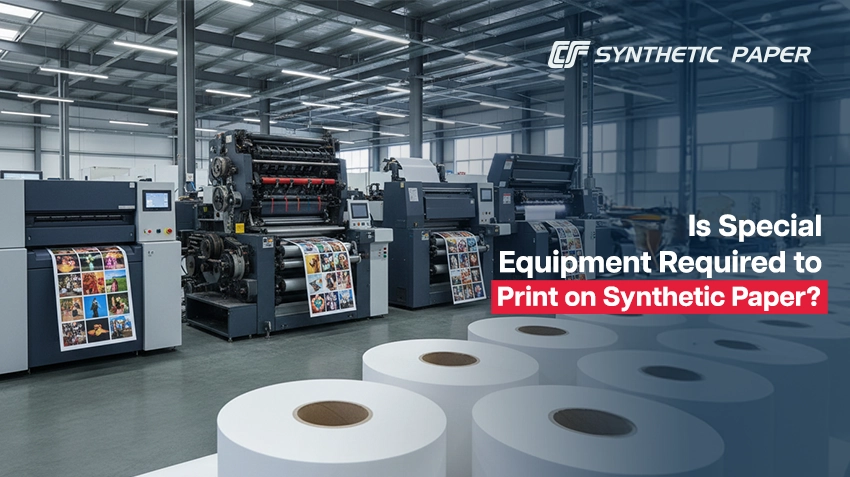
Printing equipment is selected based on the printing method,
ink type, and the specific synthetic paper used. Many synthetic papers
are designed to run on standard commercial printing equipment, but some setups
require adjustments to ensure proper ink adhesion, drying, and durability.
Synthetic paper does not require special printing equipment,
but it does require compatible inks and controlled press settings. Offset,
digital, flexographic, and screen-printing work well when paired with the right
materials and process adjustments.
- Synthetic paper often works on standard printing presses
- Ink compatibility matters more than the equipment itself
- Drying time and adhesion are the most common challenges
- Some applications benefit from treated or coated synthetic sheets
- Always test before full production
Does Printing Equipment Need to Be Different for Synthetic
Paper?
Let’s take a look at this for different types of printing:
Synthetic paper can be run on conventional offset presses, but it requires:
- Oxidation-drying or UV inks
- Reduced fountain solution to prevent ink rejection
- Longer curing times or inline UV systems
- HP Indigo works well with many synthetic papers due to liquid electrophotographic inks
- Laser printers can handle thinner synthetic stocks, but heat tolerance must be checked
Key considerations:
- Confirm temperature limits to avoid melting or warping
- Use manufacturer-approved substrates only
Synthetic paper works best with:
·
UV-curable inks
·
Latex inks
·
Pigment-based aqueous inks with coated
synthetics
Uncoated synthetic paper typically does not absorb ink, so
standard dye ink may smear.
Equipment: Standard flexo presses
Flexo printing performs extremely well on synthetic paper when
using:
·
UV inks
·
Solvent-based inks
·
Proper anilox selection
No special equipment is required, but ink formulation is
critical.
Screen printing works very well on synthetic paper due
to:
·
Thick ink layers
·
Strong adhesion
·
Excellent durability
This method requires no special machinery, only compatible ink.
Synthetic paper is non-porous. Solutions include:
·
Surface-treated sheets
·
UV or specialty inks
·
Inline corona or flame treatment (industrial
settings)
Unlike wood-pulp paper, this tearproof paper does not
absorb ink.
·
UV curing speeds production
· Extended drying racks may be required for offset jobs
Is Special Printing Equipment Ever Required?
Special equipment is only necessary when:
·
Printing on very thick synthetic sheets (>350
microns)
·
Running high-speed UV production without curing
units
·
Performing inline finishing, such as hot foiling
or embossing
·
Request printer-approved synthetic paper samples
·
Run a short press test
·
Verify ink and curing compatibility
·
Follow the manufacturer's handling guidelines